

The Ultimate Guide to Filling Your OMR Sheet Correctly (Avoid These Fatal Mistakes!)
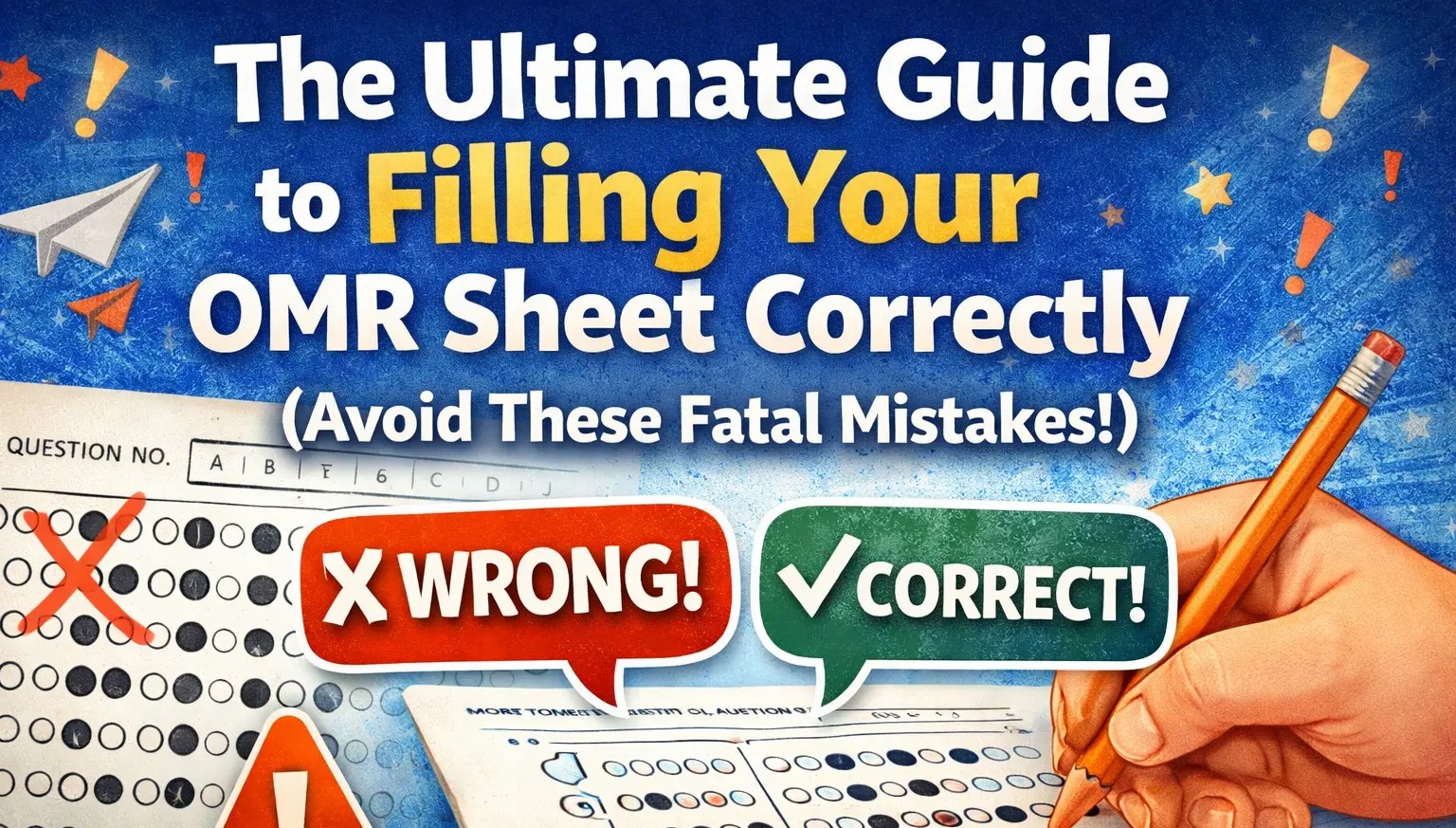
📝 The Ultimate Guide to Filling Your OMR Sheet Correctly (Avoid These Fatal Mistakes!)
Let’s be honest: taking a major exam is stressful enough without having to worry about the paperwork. You’ve spent months preparing, memorizing formulas, and taking practice tests. But did you know that all that hard work can go down the drain just because of a poorly filled OMR (Optical Mark Recognition) sheet?
OMR scanners are machines. They don't have feelings, and they can't guess what you meant to do. They only read exactly what is on the paper. To make sure your hard-earned marks are counted, you need to follow the rules to the letter.
Based on standard exam guidelines, here is exactly how you need to fill out your OMR sheet to ensure a flawless scan.
🖊️ Rule #1: Your Pen is Your Best Friend (Pencils Are the Enemy)
The very first rule of OMR sheets is the most important: Use ONLY a Black Ball Point Pen.
Do not use a pencil. Scanners often cannot pick up graphite effectively.
Do not use gel pens or ink pens. They can smudge, bleed through the paper, and ruin the barcode or alignment marks on the sheet.
Stick to a trusty black ballpoint pen to darken those circles.
🎯 Rule #2: The Art of the Perfect Bubble
When it comes time to mark your answers, precision is key.
Darken the complete circle: Don't just put a dot in the middle. Don't just outline it. Fill the entire bubble so the scanner can clearly read it.
One question, one answer: Mark your answer only in the appropriate space corresponding to the question number. Darken ONLY ONE circle for each answer.
No take-backs: Once you mark an answer, no changes are allowed. You cannot use correction fluid (white-out), and crossing out an answer to choose another one will result in a rejected question. Think carefully before you ink!
⚠️ What NOT to do:Never use checkmarks (✓), cross marks (✗), half-filled bubbles, or dots. If you mark two circles for the same question, the machine will mark it as wrong.
🧼 Rule #3: Keep It Clean and Undamaged
Your OMR sheet needs to stay in pristine condition. The scanner reads the paper by rolling it through a machine, so any physical damage or extra marks can cause a misread.
No stray marks: Do not doodle or let your pen slip on the sheet.
No rough work: Do all your calculations and rough work in the provided question booklet, never on the OMR sheet.
No staples or pins: Do not apply staple pins, paperclips, or punch holes in the sheet. Keep it smooth and flat.
📋 Rule #4: Don't Forget the Administrative Details
Before you even look at question number one, make sure your administrative details are perfectly filled out.
Attendance: You will usually see a section to mark yourself as PRESENT or ABSENT. Be sure to completely darken the bubble next to "PRESENT".
Question Paper Set Number: This is crucial! Question papers often come in different sets (e.g., Set 18, Set A, Set 2). You must write your specific set number in the provided boxes at the top and then perfectly darken the corresponding number bubbles directly underneath those boxes. If you mess this up, the machine will grade your sheet using the wrong answer key!
Final Thoughts
Taking an extra 60 seconds to properly fill out your details and carefully bubbling in your answers can be the difference between passing and failing. Take a deep breath, grab your black ballpoint pen, and tackle that exam with confidence!